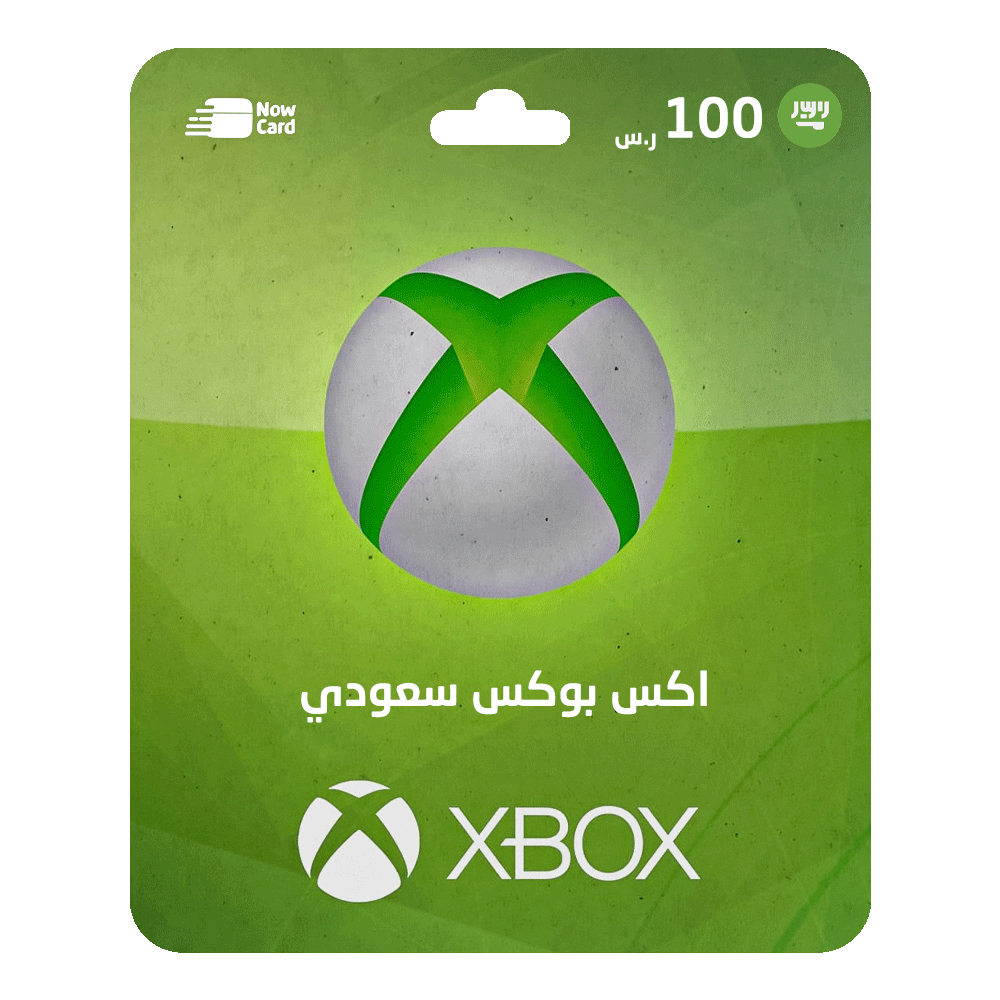
Xbox Gift Card - 100 (Saudi Arabia)
How to Redeem an Xbox Gift Card:
Method 1: Using the Official Xbox Website:
- Visit the redemption website: redeem.microsoft.com.
- Sign in to your Microsoft account.
- Enter the 25-character voucher code and follow the on-screen instructions.
Method 2: Using an Xbox 360:
- Sign in to your Xbox 360 (ensure you're logged in with the Microsoft account you want to redeem the code on).
- Press the Xbox Guide button on the controller.
- Select Games and Apps, then choose Redeem Code.
- Enter the 25-character voucher code and follow the on-screen instructions.
Method 3: Using Xbox One, Xbox Series X, or Xbox Series S:
- Sign in to your Xbox console.
- Go to the Home screen and open the Store. If the Store app isn’t visible, go to My Games & Apps, select Apps, and choose Store.
- In the Store app, press Left or click the View button to open the sidebar menu.
- From the menu, select Redeem.
- Enter the 25-character voucher code and follow the on-screen instructions.
Method 4: Using the Xbox App on Android or Windows 10:
- Sign in to the Xbox app on your phone.
- Tap the Menu button in the top-left corner.
- Select Microsoft Store, then choose Redeem a code.
- Enter the 25-character voucher code and follow the on-screen instructions.
Method 5: Using the Xbox App on iOS Devices:
- From your mobile browser, go to https://redeem.microsoft.com.
- Sign in to your Microsoft account.
- Enter the 25-character voucher code and follow the on-screen instructions.
Read more
not found