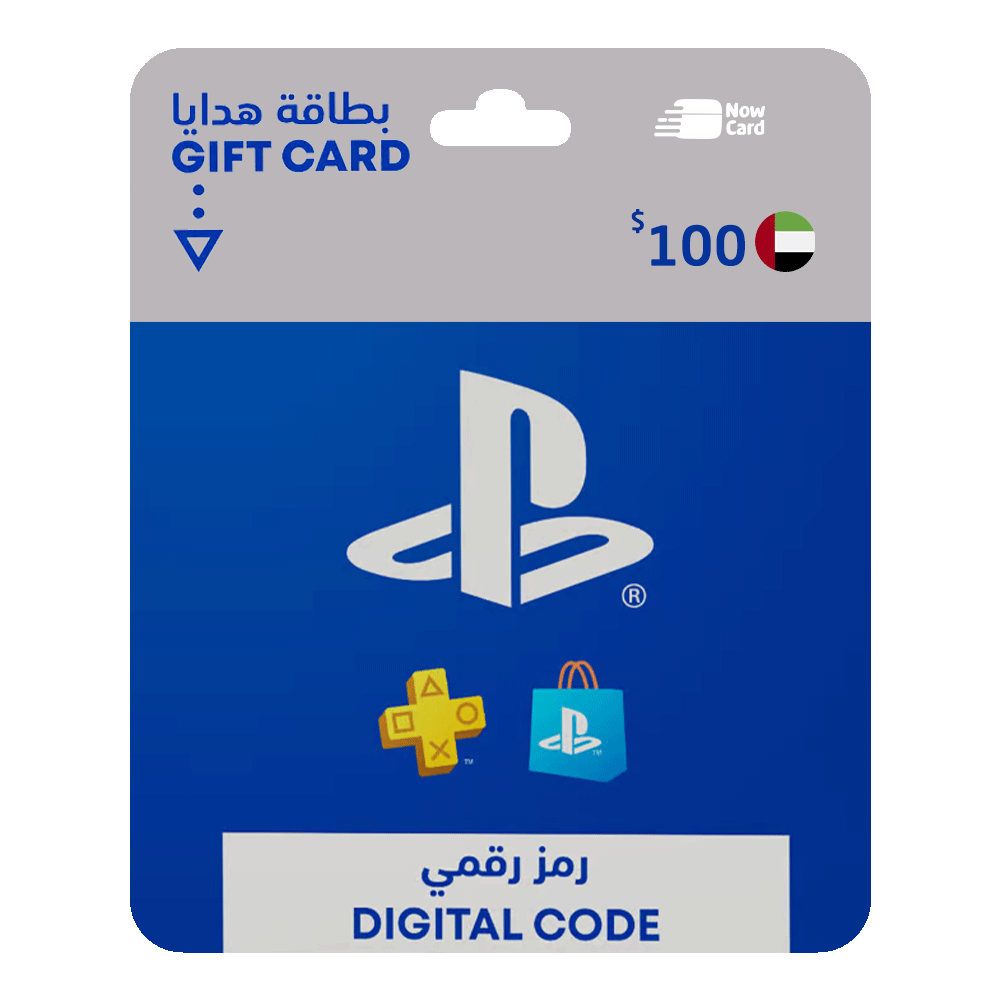
PlayStation Store Gift Card - 100 USD (United Arab Emirates)
How to Redeem a PlayStation Gift Card:
Using Your PlayStation Console:
- From the main screen of your PlayStation, select the PlayStation Store option.
- In the dropdown menu, scroll down to Redeem Code.
- Enter the gift card code and press Continue.
- A confirmation message will appear. Select Yes.
- Congratulations! The balance has been added to your account.
Read more
not found