

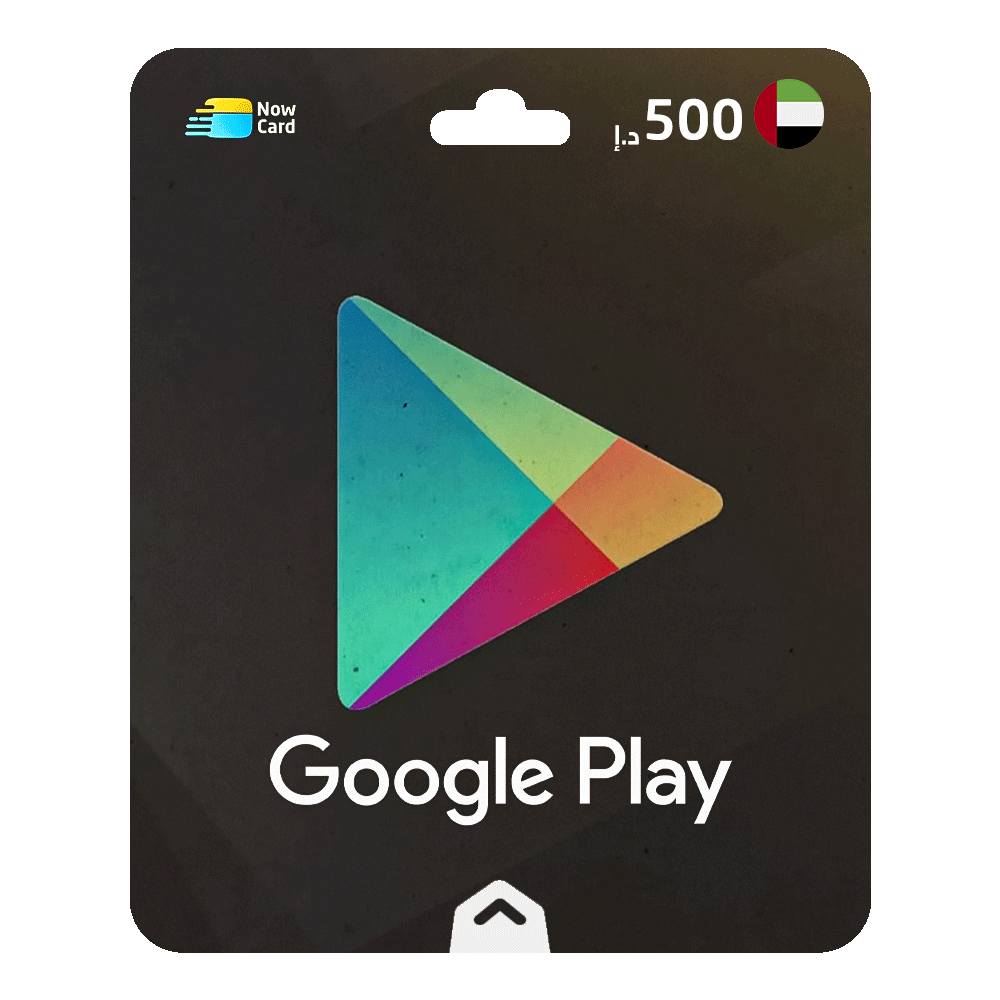
Here's how you can redeem a Google Play gift card:
Using an Android Device:
- Open the Google Play app.
- Tap on the Profile icon at the top left corner.
- From the dropdown menu, select Redeem, then enter the code.
- Congratulations! Your balance has been added to your account.
Using a Web Browser:
- Visit play.google.com/redeem.
- Enter the code and click Redeem.
- Congratulations! Your balance has been added to your account.
Terms and Conditions:
- A Google Payments account and internet access are required.
- The user must be over 13 years old.
- The gift card may not be valid on some devices or subscriptions.
- The gift card is non-refundable, non-reloadable, and cannot be resold, exchanged, or converted into cash, except where legally required.
- The gift card cannot be redeemed for cash, and the buyer assumes the risk of loss.
- You can review the full terms and conditions at play.google.com/giftcardscam.
Enjoy your new balance on Google Play!